
How a New Battery Can Improve Device Longevity
Many people rely on their iPads for daily tasks, entertainment, and productivity. Over time, however, the battery can degrade, leading to shorter usage times and increased frustration. A new battery can significantly extend your iPad’s life by restoring its full capacity. This article explores the benefits of replacing an old battery, common challenges users face, and expert recommendations to maximize your device’s longevity.
Benefits of Replacing Your Ipad’s Battery
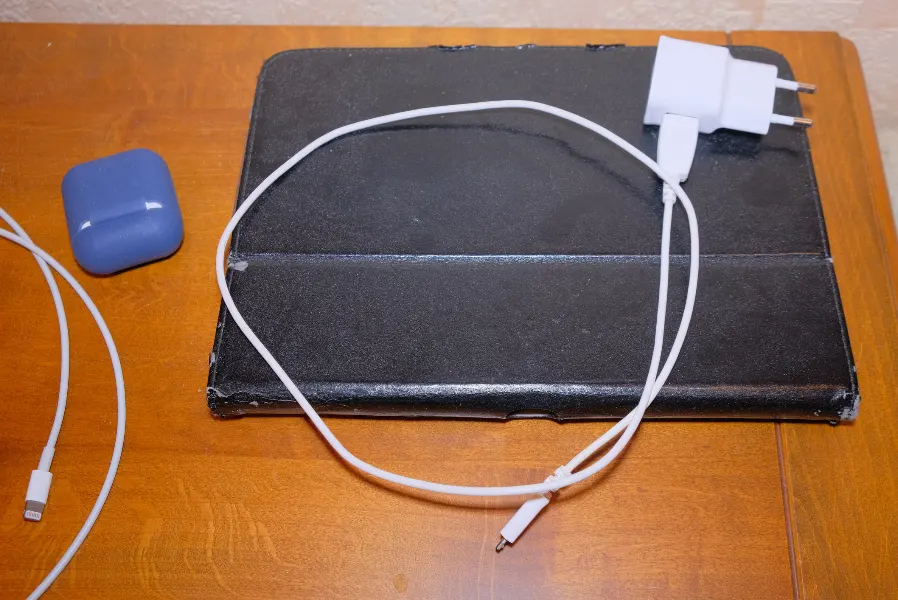
Replacing the battery in your iPad offers several advantages that enhance user experience. First, it restores the device’s original performance levels, allowing you to enjoy longer use between charges. Secondly, a new battery can improve overall efficiency by enabling faster processing and smoother operation. Lastly, a fresh battery ensures that your iPad remains reliable for years, minimizing interruptions and inconvenience.
Common Issues With Aging Batteries
Aging batteries present various problems that can affect your iPad’s functionality. One major issue is reduced battery life, leading to more frequent charging needs. Additionally, older batteries often result in slower performance and occasional system crashes. These factors can negatively impact productivity and enjoyment. In some cases, visiting an ipad repair shop becomes necessary when these issues become severe.
Signs You Might Need Ipad Repair Services
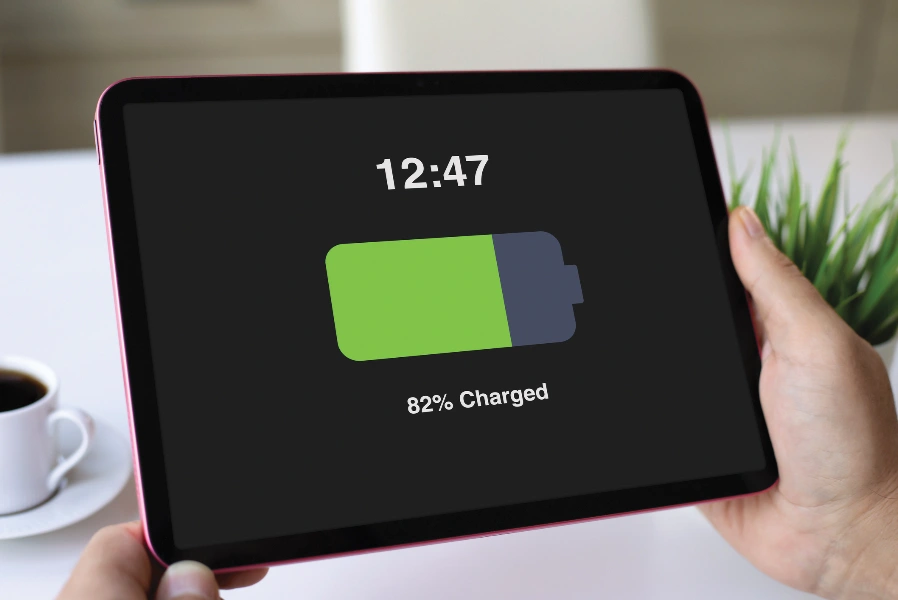
Recognizing when you need ipad repair services is crucial for maintaining your device’s health. If your iPad frequently shuts down unexpectedly or doesn’t hold a charge as long as it used to, it’s time to consider professional help. Other signs include overheating during regular use and the inability to reach full charge capacity. Addressing these issues promptly can prevent further damage.
Solutions: How to Replace Your Ipad’s Battery
Replacing your iPad’s battery involves specific steps to ensure safety and optimal results:
- Back up all important data to safeguard information.
- Purchase a compatible replacement battery for your model.
- Use appropriate tools to open the device carefully.
- Disconnect and remove the old battery following manufacturer instructions.
- Install the new battery securely before closing the device.
Best Practices for Extending Battery Life
You can adopt several best practices to prolong your iPad’s battery life even after installation of a new one:
- Avoid exposing the device to extreme temperatures.
- Keep software updated for optimal performance.
- Minimize background app refresh to conserve power.
- Adjust brightness settings based on environment needs.
Understanding Industry Standards for Batteries
Batteries have industry standards that ensure quality and reliability. High-quality replacement batteries should meet or exceed these standards to guarantee safety and performance. Regulatory bodies often test and certify batteries for energy efficiency and environmental compliance. Choosing certified batteries reduces risks associated with poor quality products and supports responsible environmental practices.
Cost Considerations When Replacing Batteries
When considering battery replacement, understanding cost factors helps in making informed decisions. Price varies based on brand, compatibility, and warranty terms. While cheaper options may seem appealing, investing in a reputable product ensures durability and better performance over time. It’s essential to weigh initial costs against long-term benefits and potential savings from improved efficiency.
Your Path to Longer Device Life With Expert Help
To keep your iPad running smoothly, consider replacing its battery at timely intervals. Our team at Smartphone Fix 2 LLC offers professional guidance on selecting the right components for lasting results. Based in Auburn, CA, we provide comprehensive support tailored to each client’s needs. Contact us today at (916) 222-8508 for expert assistance and ensure your device stays functional and efficient.